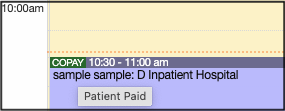
The Daily View on the calendar shows when the patient has paid their copay for the visit by cash, check, or credit card. It is hidden in the weekly and monthly calendar views to reduce visual clutter.
- Navigate to Schedule > Calendar
- Select the Daily View on the right
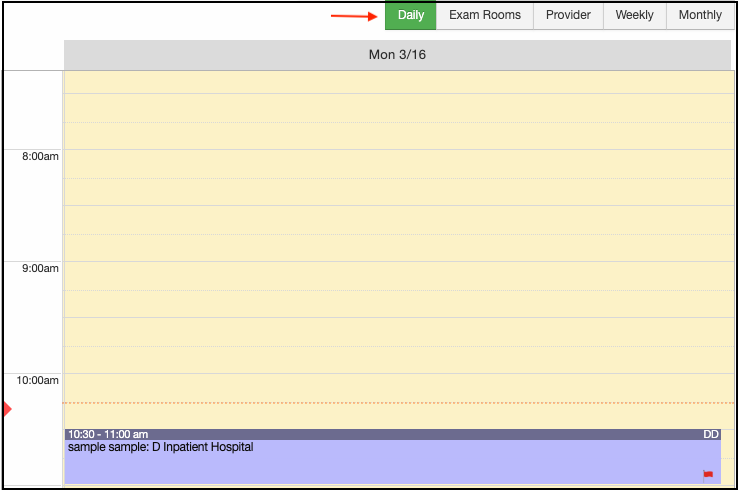
- Select the patient's appointment
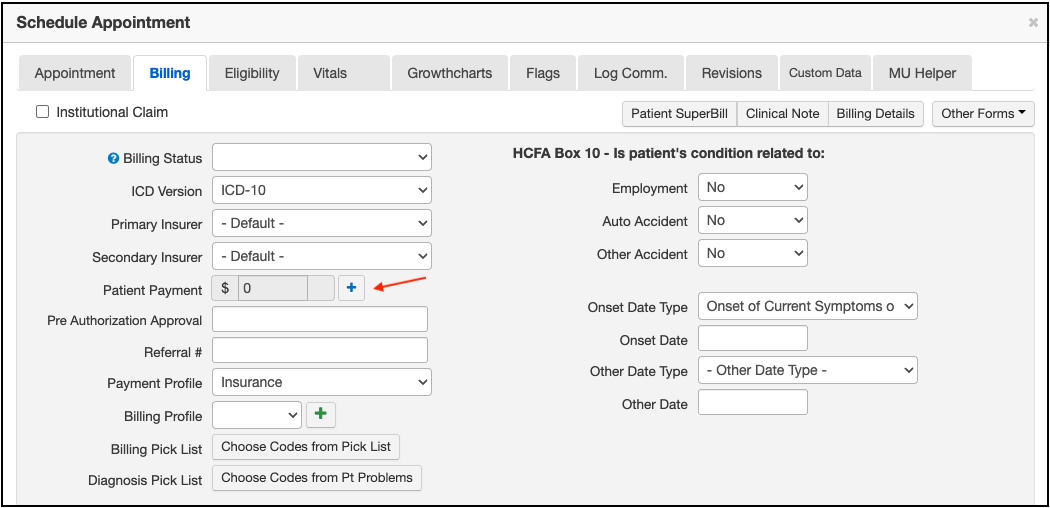
- Navigate to the Billing tab
- Select the blue + symbol next to Patient Payment
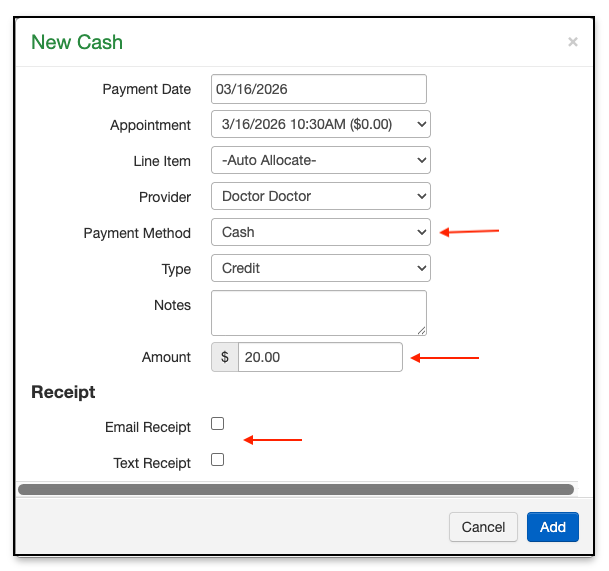
- The New Cash window will open. Fill in the payment method and the amount. Be sure to select email or text receipt.
- Once saved, the word copay will appear on the daily calendar view next to the patient's appointment. If you hover over the word copay, a "patient paid" message will appear, confirming that the patient did pay their apointment copay.